Your coding agents, from your phone.
Install AgentOS, sign in once, and reach the agents running on your own machine from anywhere. No VPN, no port forwarding. Your code and sessions stay on your machine.
Free includes Connect for one machine. No card needed.
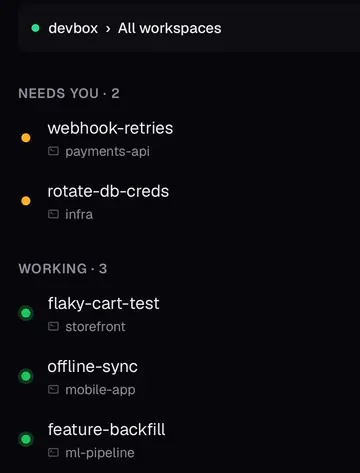
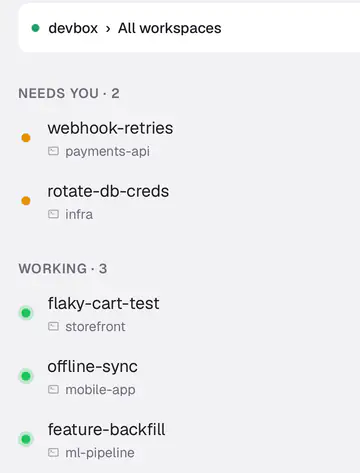
- Agents waiting on you come first
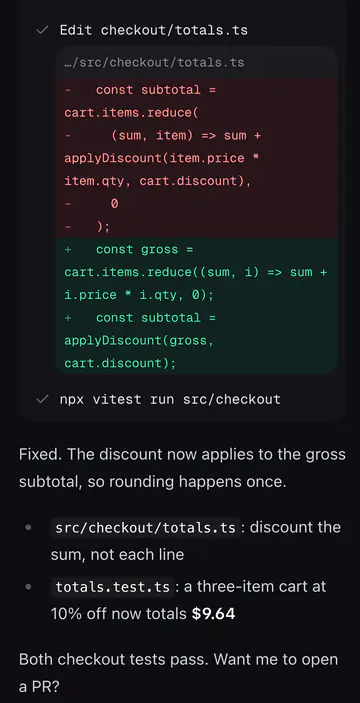
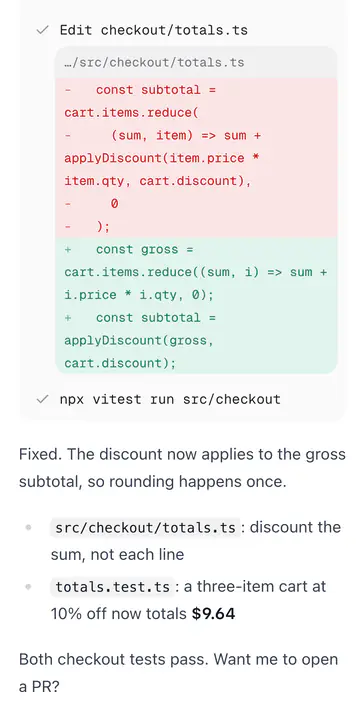
- Every change, line by line
- It asks before it goes further
See it work
You're the boss. Your coding agents do the work, and you run them from your phone. 68 seconds.
Three steps, about five minutes
You need Node 22+, git, tmux, and an agent CLI such as Claude Code. Full install guide
- 1
Install AgentOS
On the machine where your agents run: a laptop, a desktop, or a server. It works with Claude Code, Codex, OpenCode, Gemini CLI, GitHub Copilot CLI, Kiro CLI and Aider.
$npm install -g @saadnvd1/agent-os$agent-os install$agent-os setup - 2
Run agent-os connect
Sign in once in the browser. The machine makes its own key, gets its own HTTPS address, and opens a tunnel out to Cloudflare. Nothing on your router changes.
$agent-os connect - 3
Open it on your phone
Get the AgentOS iPhone app and sign in, or sign in at runagentos.com, and tap the machine. The machine asks you to approve the phone, and from then on it's one tap, wherever you are.


What you see on your phone
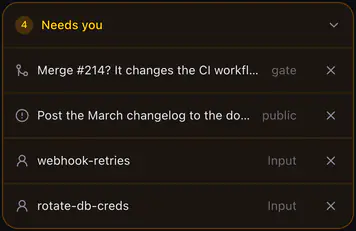
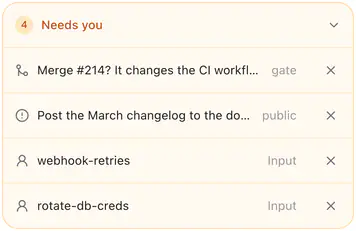
- Risky merges can wait for your OK
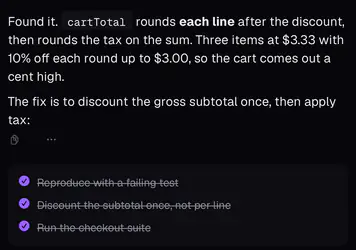
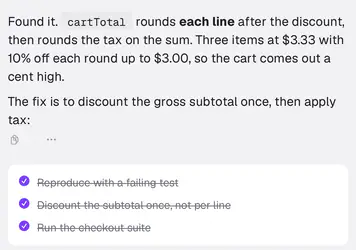
- It says what it found, in plain words
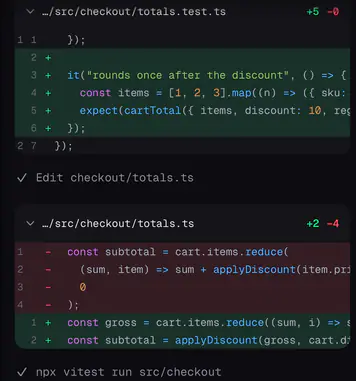
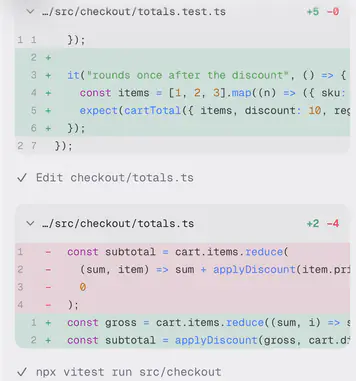
- Added lines in green, removed in red
What we can see, and what we can't
Your phone reaches your machine over HTTPS, carried by Cloudflare's network through an encrypted tunnel your machine opens. Our servers aren't in that path, so we never see what passes through it, and your machine still checks for a paired device on every request.
We can see
- Your email address
- Your machines' names, and whether they're online
- The names of the devices you've approved
- Billing details, through Stripe, if you're on Pro
- If you use notifications: which machine sent one, how many, and whether it was delivered
We can't see
- Your code or your files
- Your terminal, or anything you type into it
- What your agents write, read or run
- Your machine's private key. It's made on the machine and stays there
Notifications are optional, and they say very little
Unlike your connection to the machine, a notification does pass through Connect: your machine sends it to us, and we hand it to Apple's push service to deliver to your phone. Today it holds only the title "AgentOS", a short label such as "Needs you", "Ready for review" or "CI failed", and an opaque link. It never holds session names, code, messages or file contents. We don't store notifications. We log the machine, how many were sent and whether delivery worked, and never the notification itself or your phone's push address. You can turn each kind off in the app, or not allow notifications at all.
New devices are approved on your machine, not by us
When a new phone asks to connect, your machine shows the request and you say yes or no there. We can't add a device to your machine, and neither can someone who gets into your account. The most they'd get is a list of machine names and a request you can turn down.
Pricing
AgentOS is free and open source, and Free includes Connect for one machine. On your own Wi-Fi you don't need Connect at all; it's for reaching your machine from everywhere else.
Free
$0
Connect for one machine and your phone. The whole idea, at no cost.
- 1 machine
- 3 devices
- Your own HTTPS address, renewed for you
- Push when an agent finishes or needs you
- 10 GB of traffic a month
Pro
$4/month
$48 billed once a year
For the laptop, the desktop and the box in the closet.
- 10 machines
- Unlimited devices
- Push when an agent finishes or needs you
- 100 GB of traffic a month
Team
Later
Shared machines, roles and an audit log. Tell us if you need it.
- Everything in Pro
- Share a machine with teammates
- Audit log of who connected